2USE
Buyback & Trade In

Battery Health

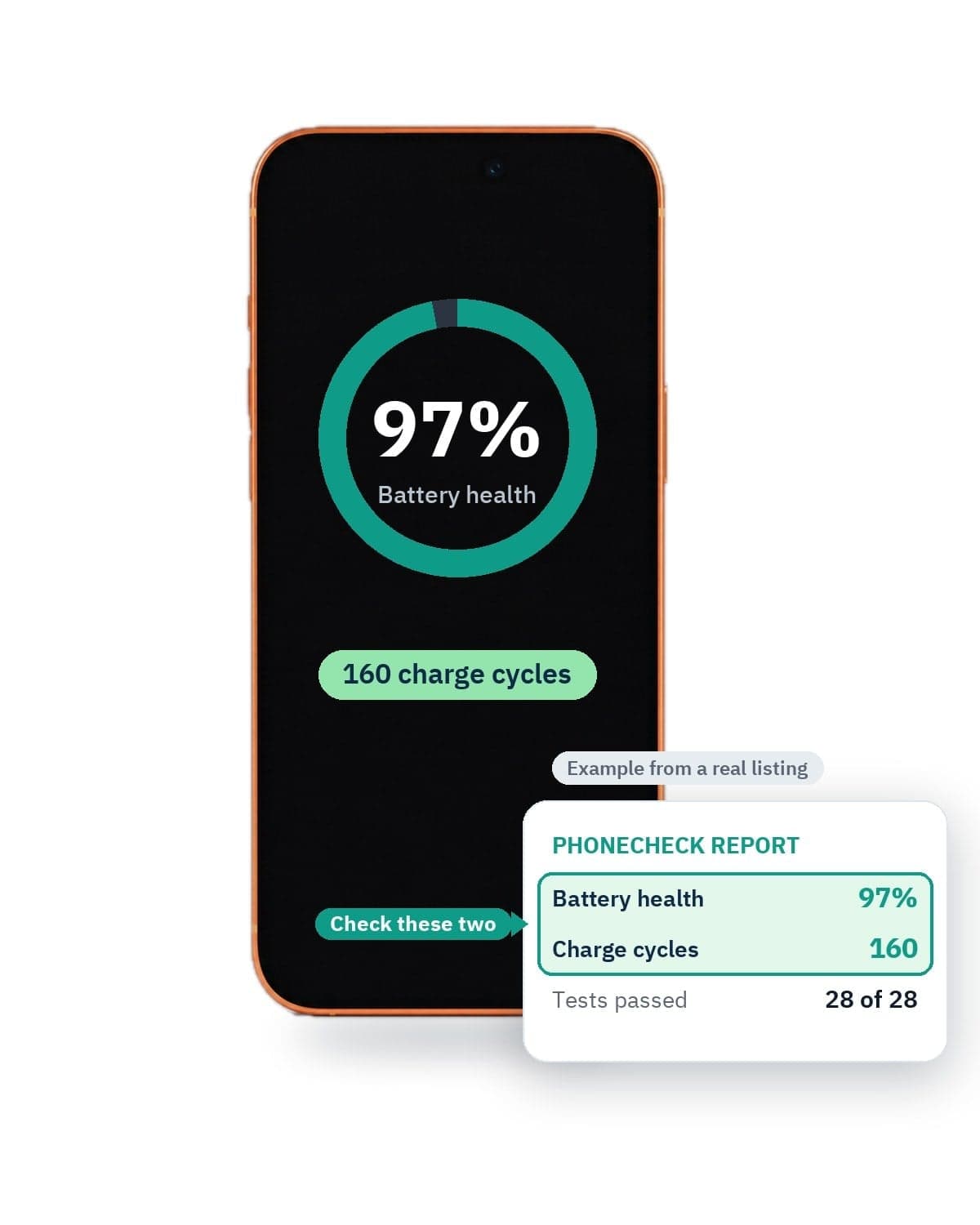
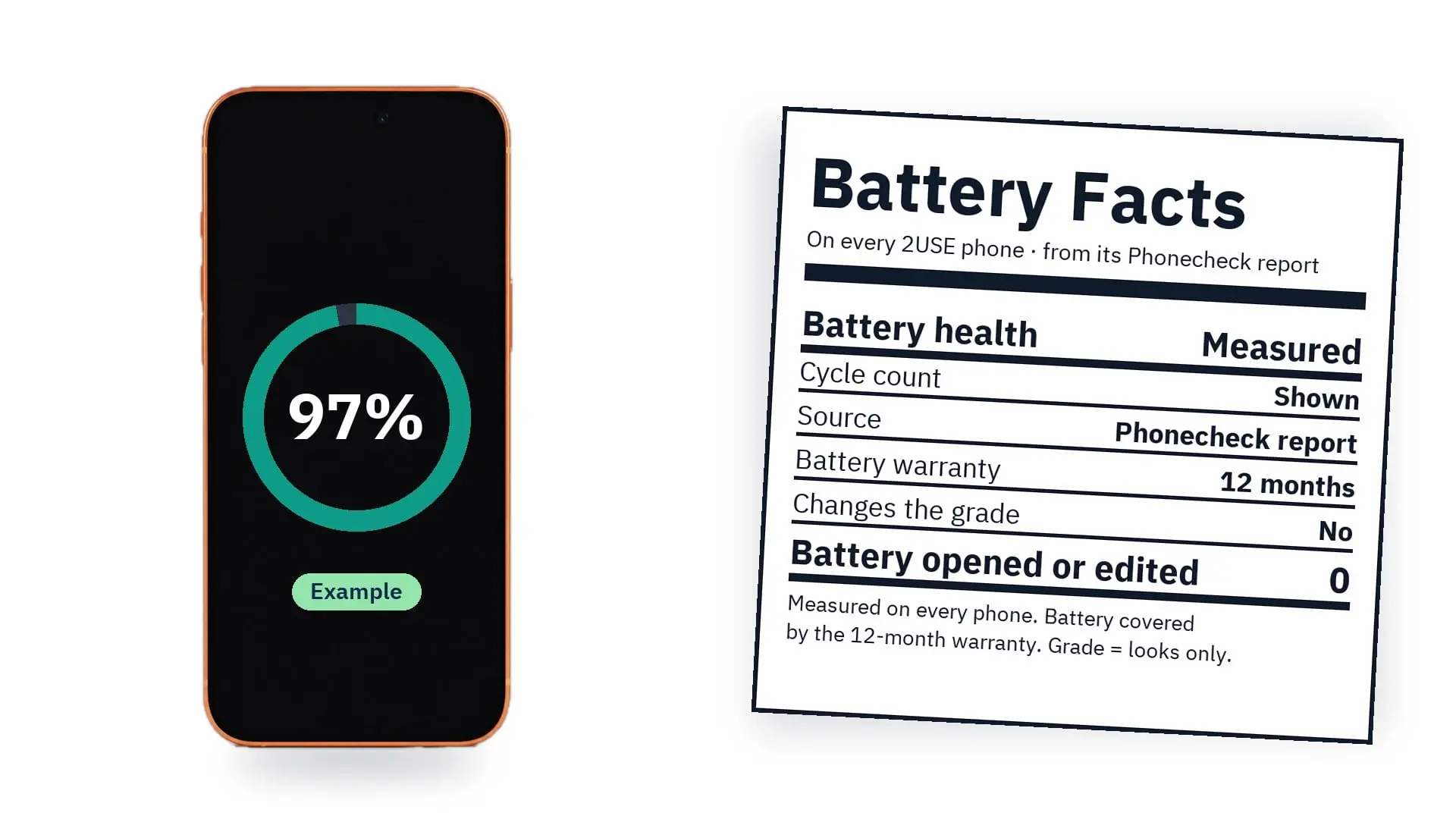
2USE (Second Use) measures the battery of every device before it goes on sale. Each phone's page shows two numbers from its Phonecheck report: battery health and charge cycles. And the battery is covered by our 12-month warranty, like every other part.
Battery health, measured. Not guessed.
2USE (Second Use) measures the battery of every device before it goes on sale. Each phone's page shows two numbers from its Phonecheck report: battery health and charge cycles. And the battery is covered by our 12-month warranty, like every other part.
  • Measured on every deviceNot an estimate
  • From the Phonecheck reportBattery health and charge cycles
  • Not part of the gradeThe grade is about looks only
  • Battery covered 12 monthsLike every other part

Real readingsare not all 100%.

Every phone's battery is measured, not guessed. Each phone page shows that phone's own battery health and cycle count, straight from its Phonecheck report. The numbers differ from phone to phone because real batteries age differently, and that is what unboosted readings look like.
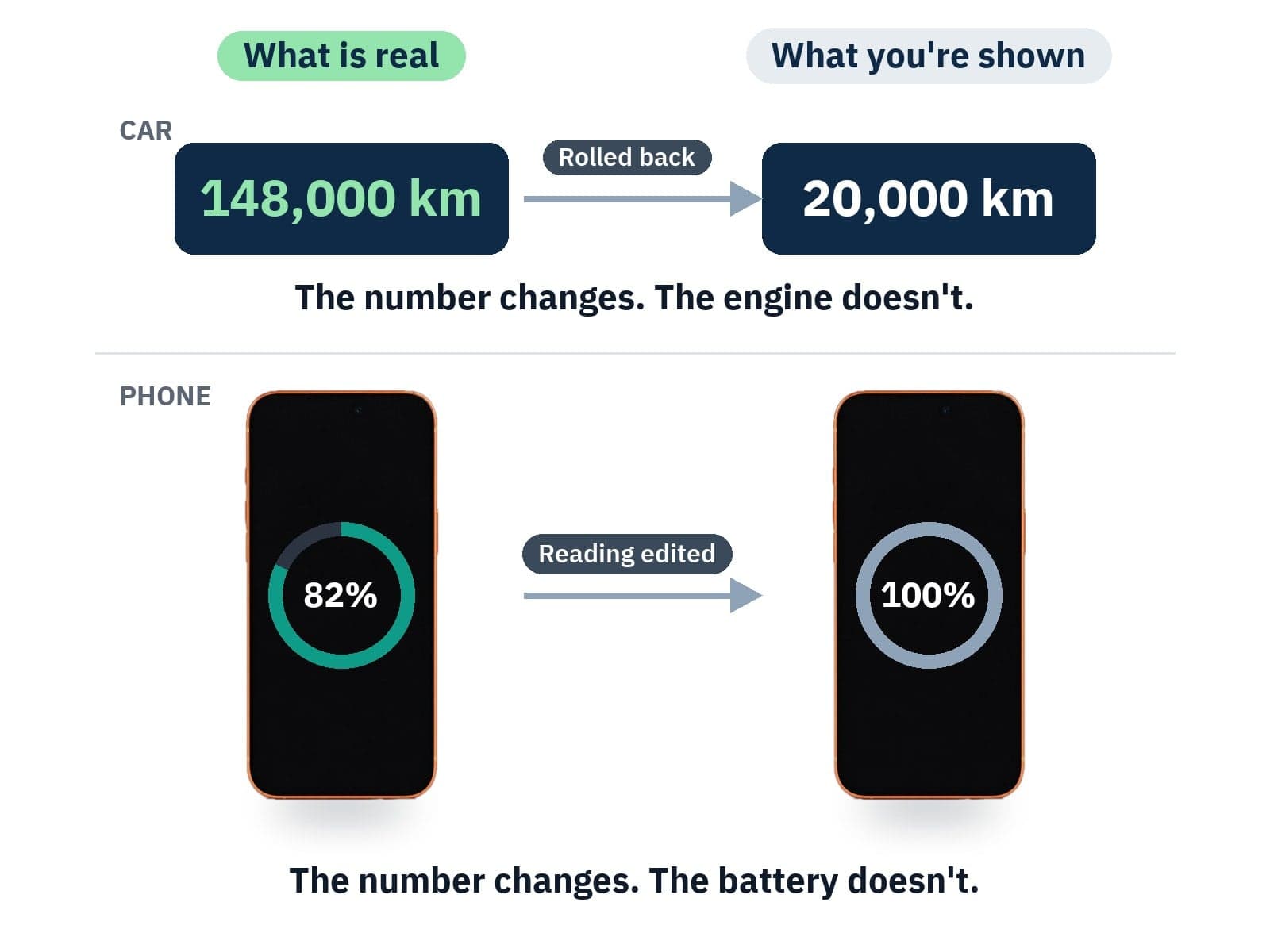
The number goes up. The battery does not change. A boost edits the battery health reading, so a worn battery shows a higher number, often 100%. It still holds the same charge and wears out just as fast. It can be done in many ways, and Settings can look completely normal.
A battery boost is like rolling back a car's mileage.
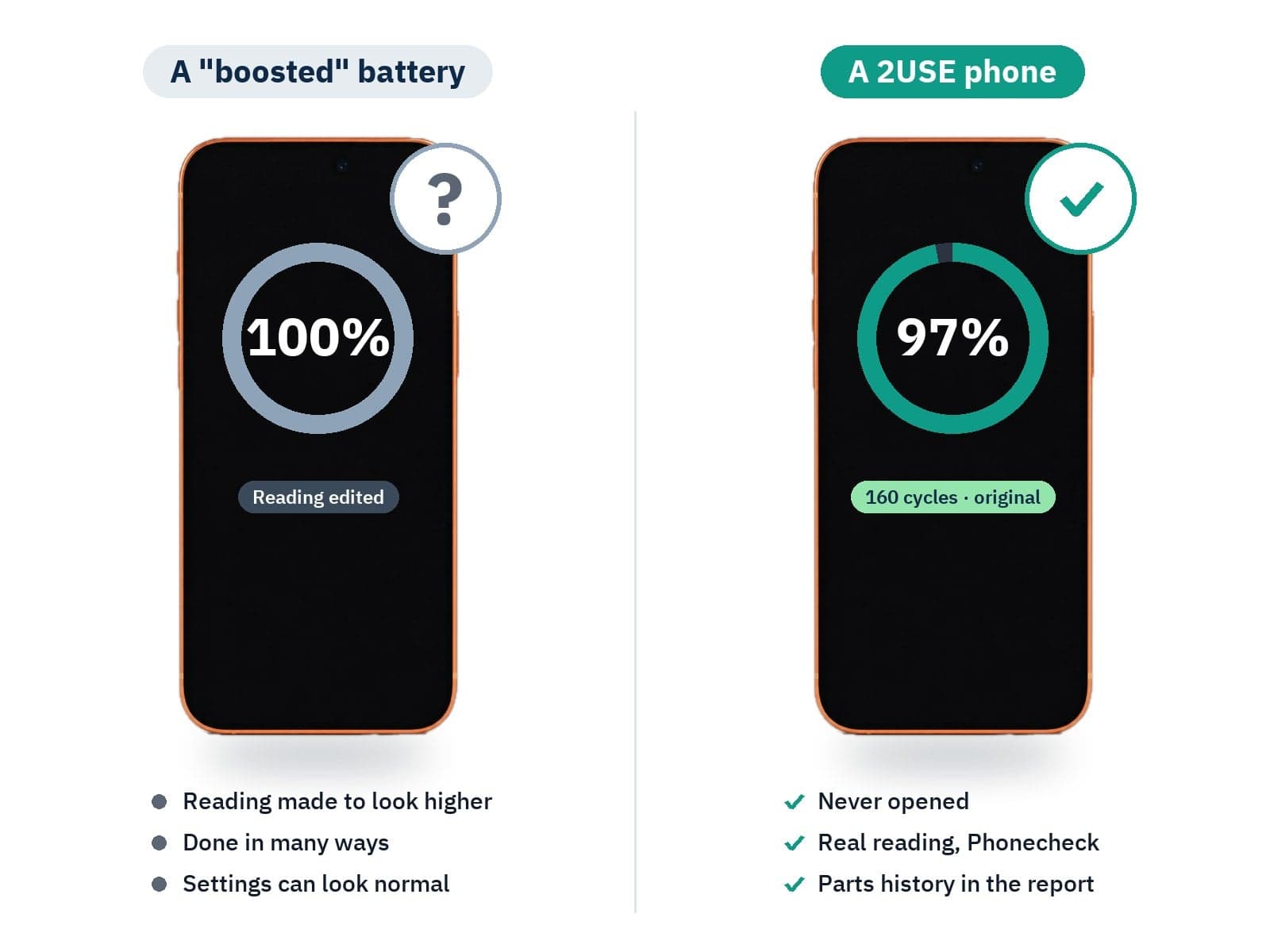
The number goes up. The battery does not change. A boost edits the battery health reading, so a worn battery shows a higher number, often 100%. It still holds the same charge and wears out just as fast. It can be done in many ways, and Settings can look completely normal.
2USE never opens or alters a phone. The battery health you see is the original battery's own reading, measured by Phonecheck and saved in that phone's report, so the number and the battery always match.
No battery boost. Ever.
2USE never opens or alters a phone. The battery health you see is the original battery's own reading, measured by Phonecheck and saved in that phone's report, so the number and the battery always match.
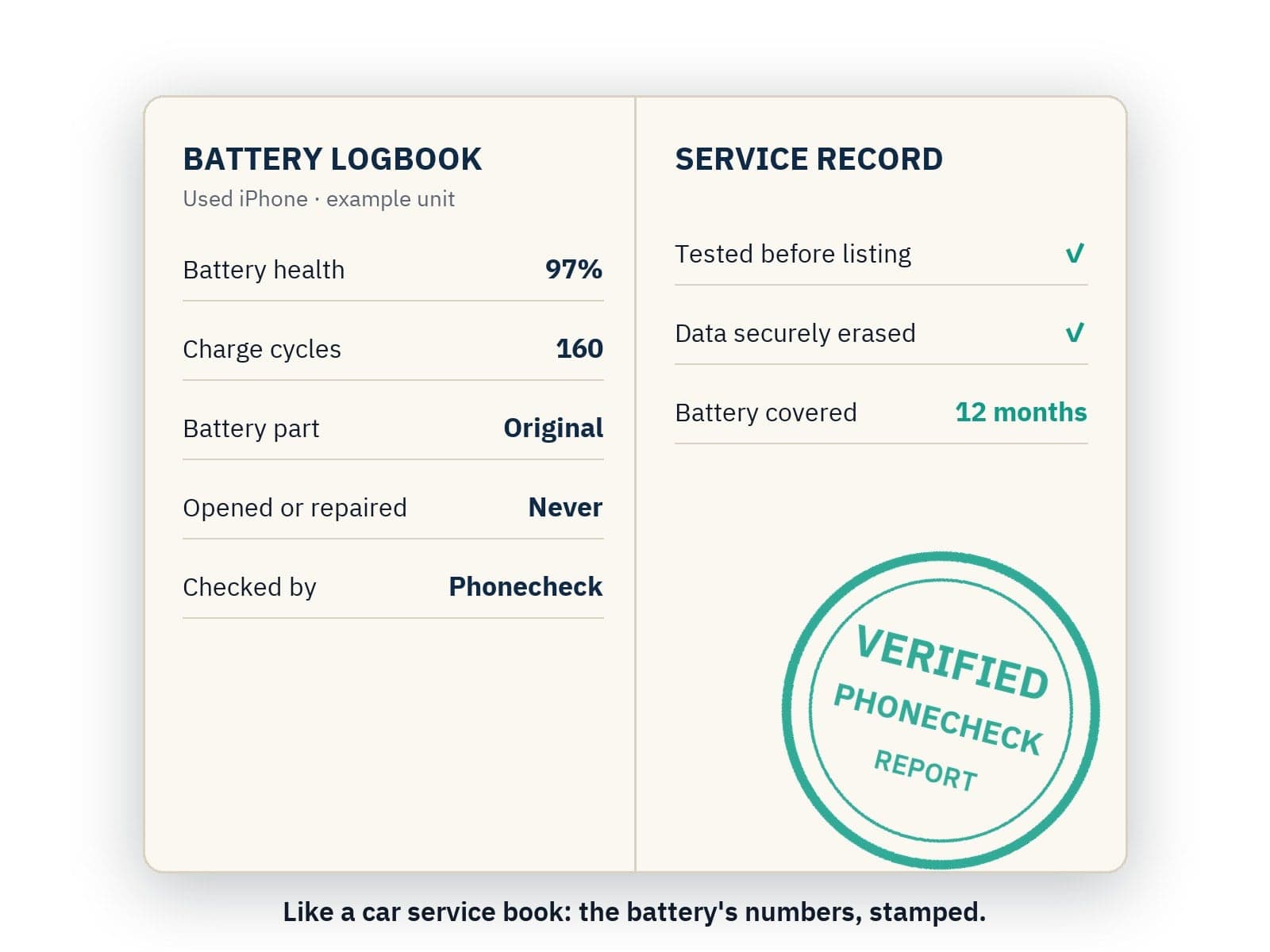
Like a car's service book, the Phonecheck report records the battery's health and charge cycles on the day we tested the phone, with its parts history. You see the same numbers on the phone's page before you buy, and the report comes with the phone.
Every 2USE phone comes with its battery's logbook.
Like a car's service book, the Phonecheck report records the battery's health and charge cycles on the day we tested the phone, with its parts history. You see the same numbers on the phone's page before you buy, and the report comes with the phone.
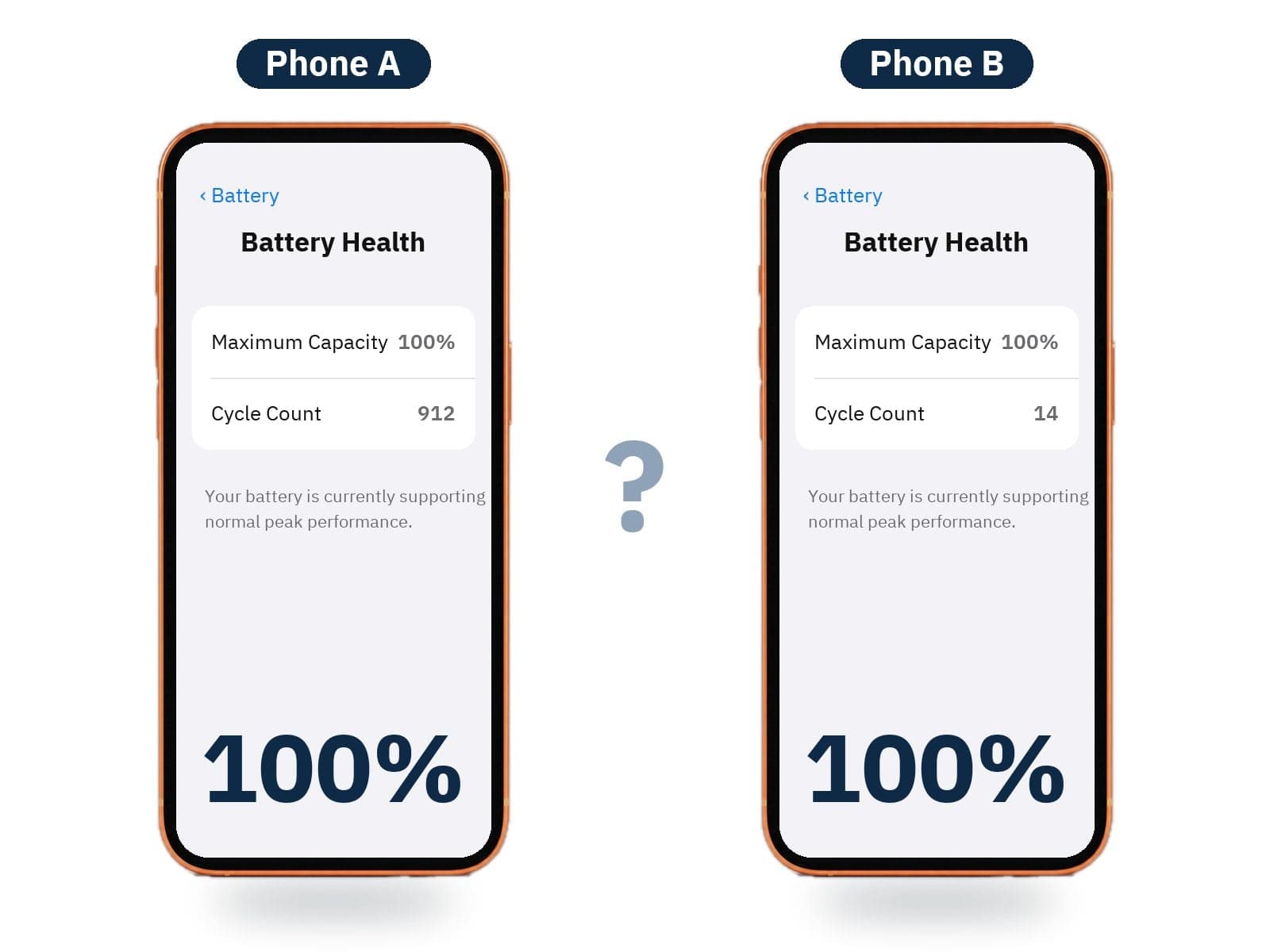
Look at the two Settings screens. Which battery would you trust? Tap the question below to see the answer.
Both say 100%. One is boosted.
Look at the two Settings screens. Which battery would you trust? Tap the question below to see the answer.

Spot the boost

How to spot a boosted battery

Four checks before you pay anyone for a used iPhone. No single check catches every boost, so use all four.

  • Settings › General › About"Unknown" is a red flag, but a clean screen is not proof
  • "Unable to verify…"Battery Health warns when it cannot verify a genuine Apple battery
  • 100% on an older phone?Ask for the cycle count and the parts history
  • Every phone at 100%?Real batteries differ from phone to phone
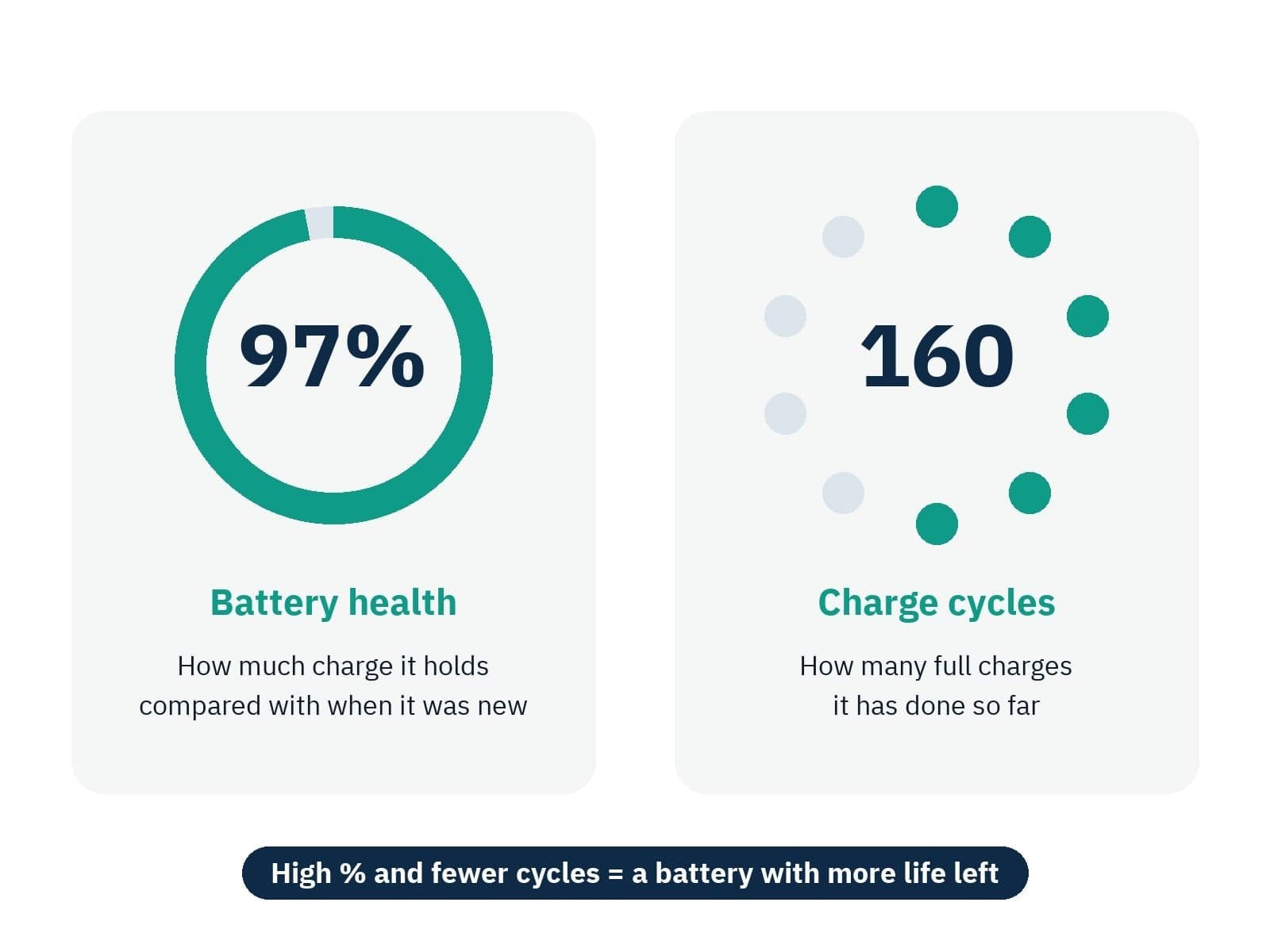
Battery health is how much charge the battery holds compared with when it was new. Charge cycles is how many full charges it has done. A high % with fewer cycles is a battery with more life left.
Two numbers. Read them together.
Battery health is how much charge the battery holds compared with when it was new. Charge cycles is how many full charges it has done. A high % with fewer cycles is a battery with more life left.
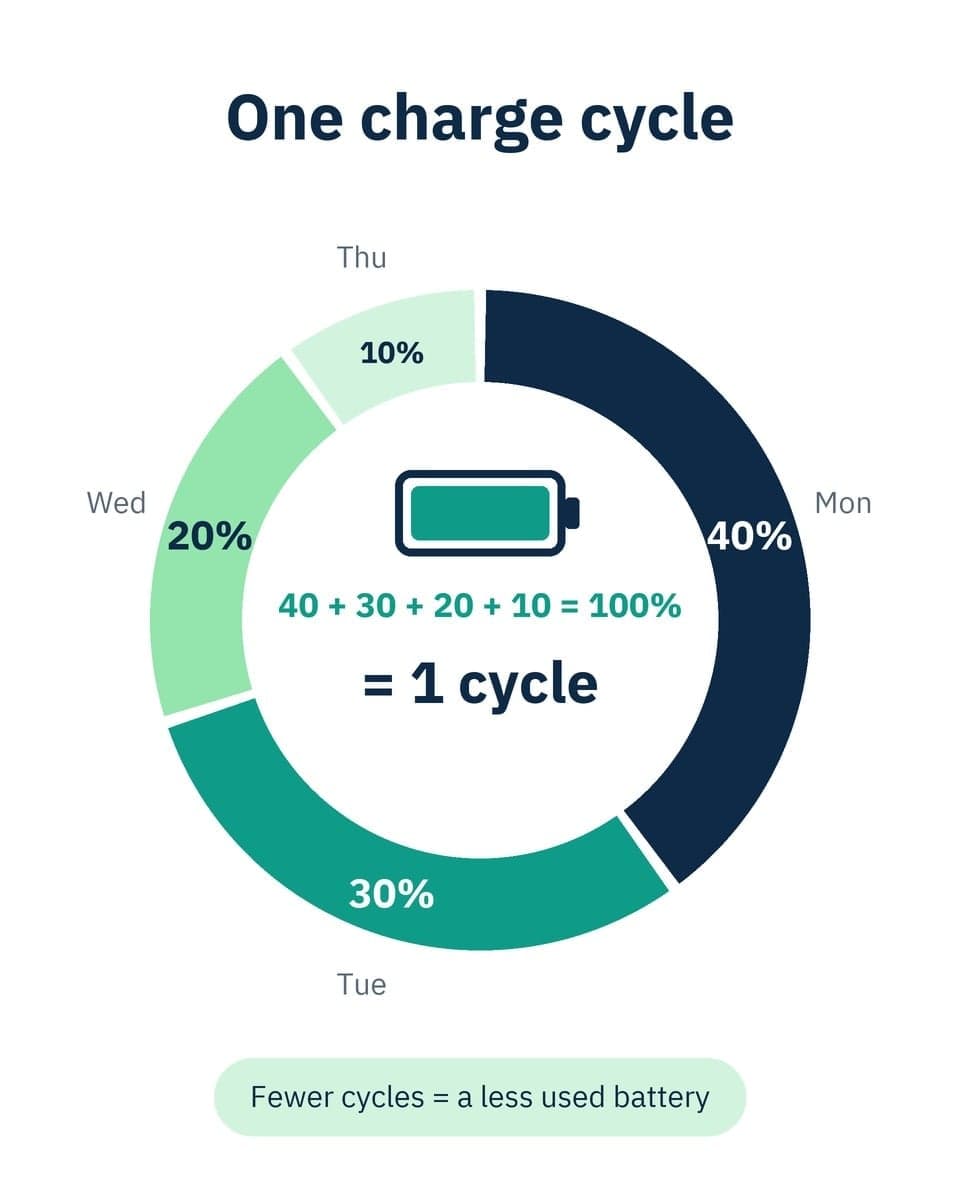
One cycle is using 100% of the battery's capacity in total. Charging 40%, then 30%, 20% and 10% on different days adds up to one cycle, not four.
What is one charge cycle?
One cycle is using 100% of the battery's capacity in total. Charging 40%, then 30%, 20% and 10% on different days adds up to one cycle, not four.

How far a batteryhas to go.

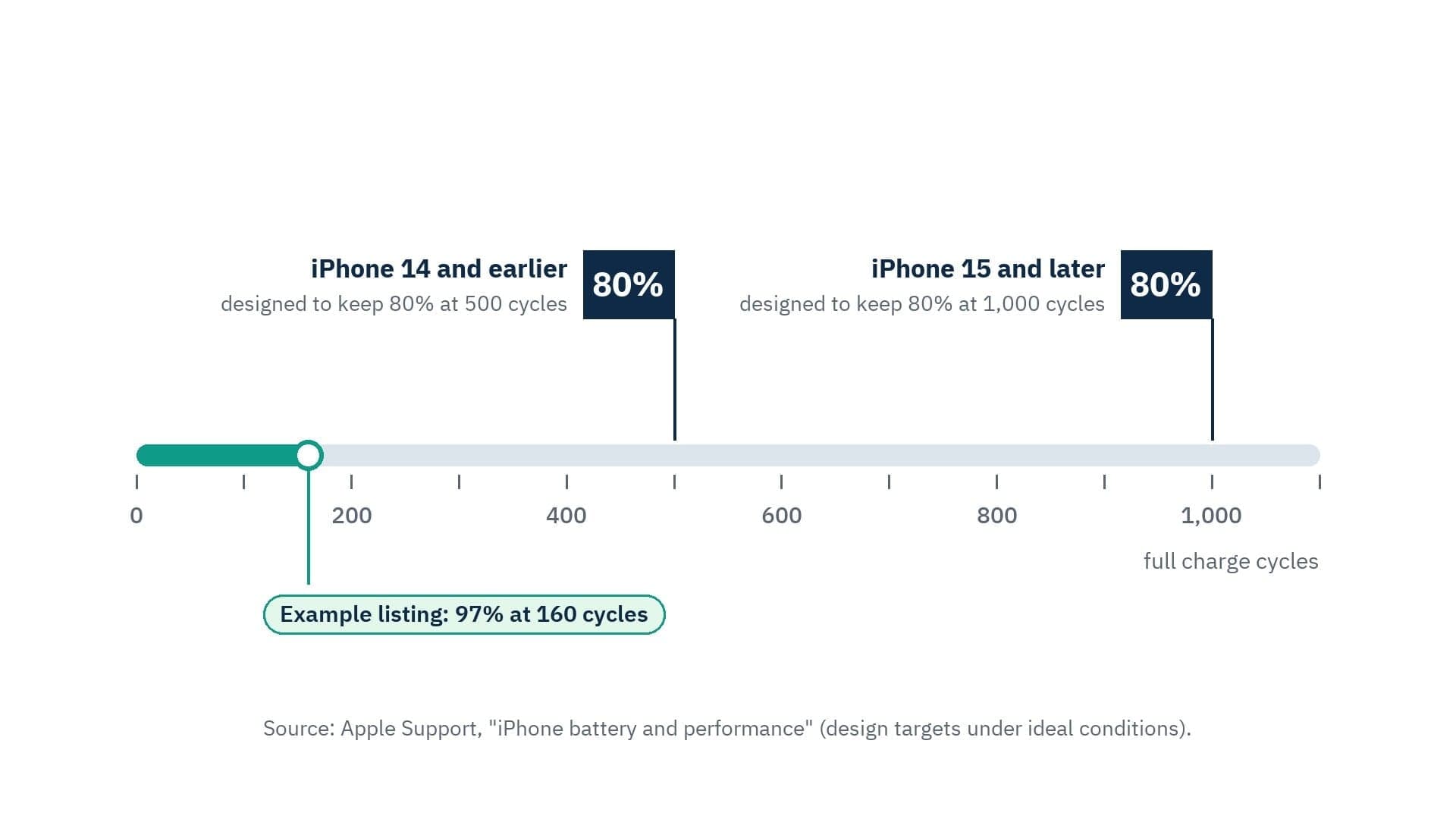
Apple designs iPhone 14 and earlier to keep 80% of their original capacity at 500 full charge cycles, and iPhone 15 and later at 1,000 full cycles, under ideal conditions. A phone at 97% and 160 cycles has used only a small part of that.
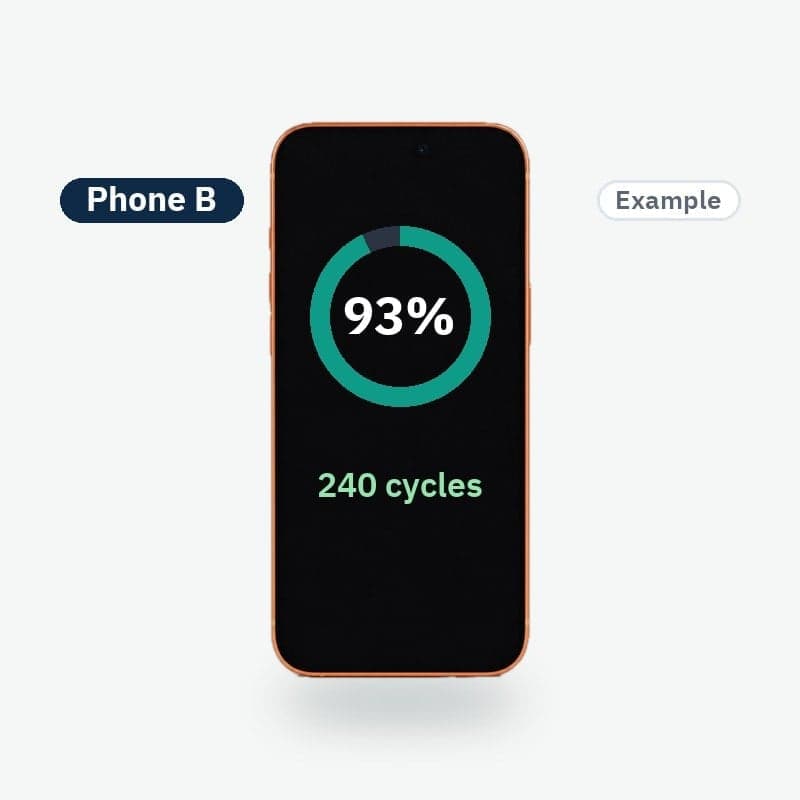
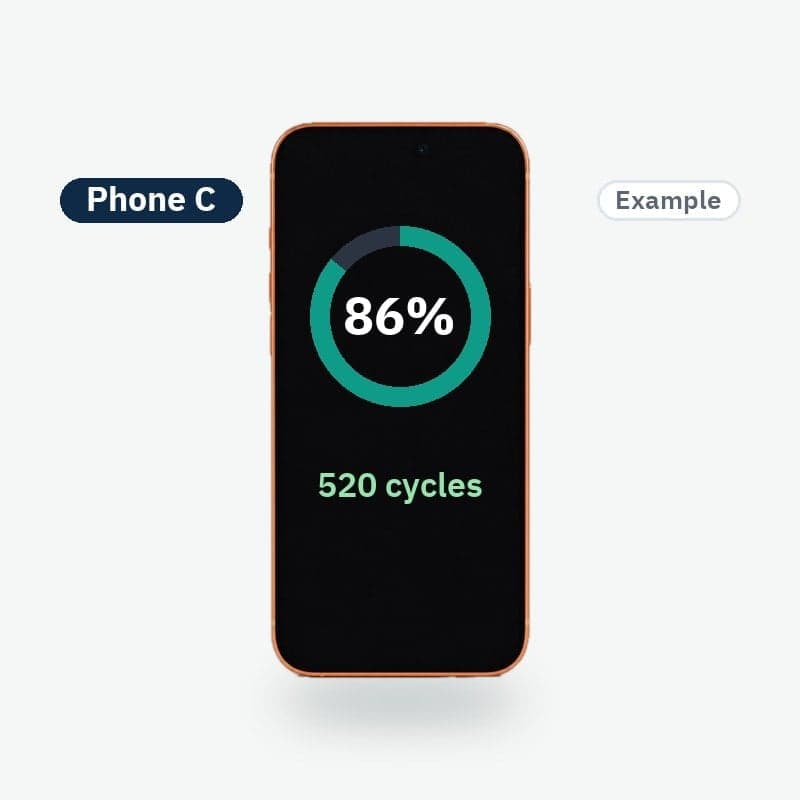
Which battery would you pick?

Three example phones. Choose one, then tap its letter below.
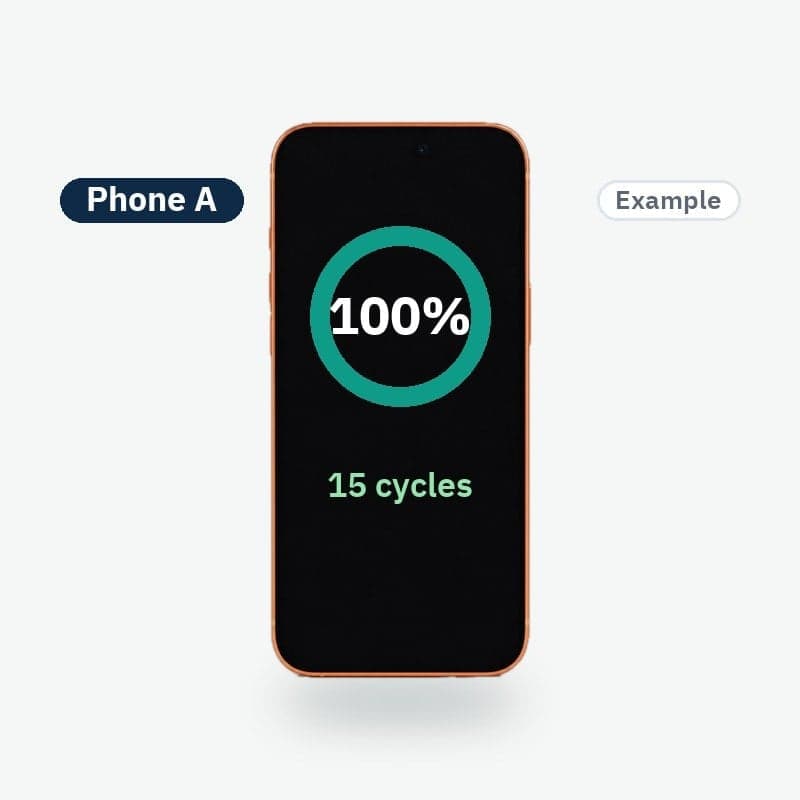
Phone A · 100% · 15 cycles
Phone B · 93% · 240 cycles
Phone C · 86% · 520 cycles

Tap to see what each one means

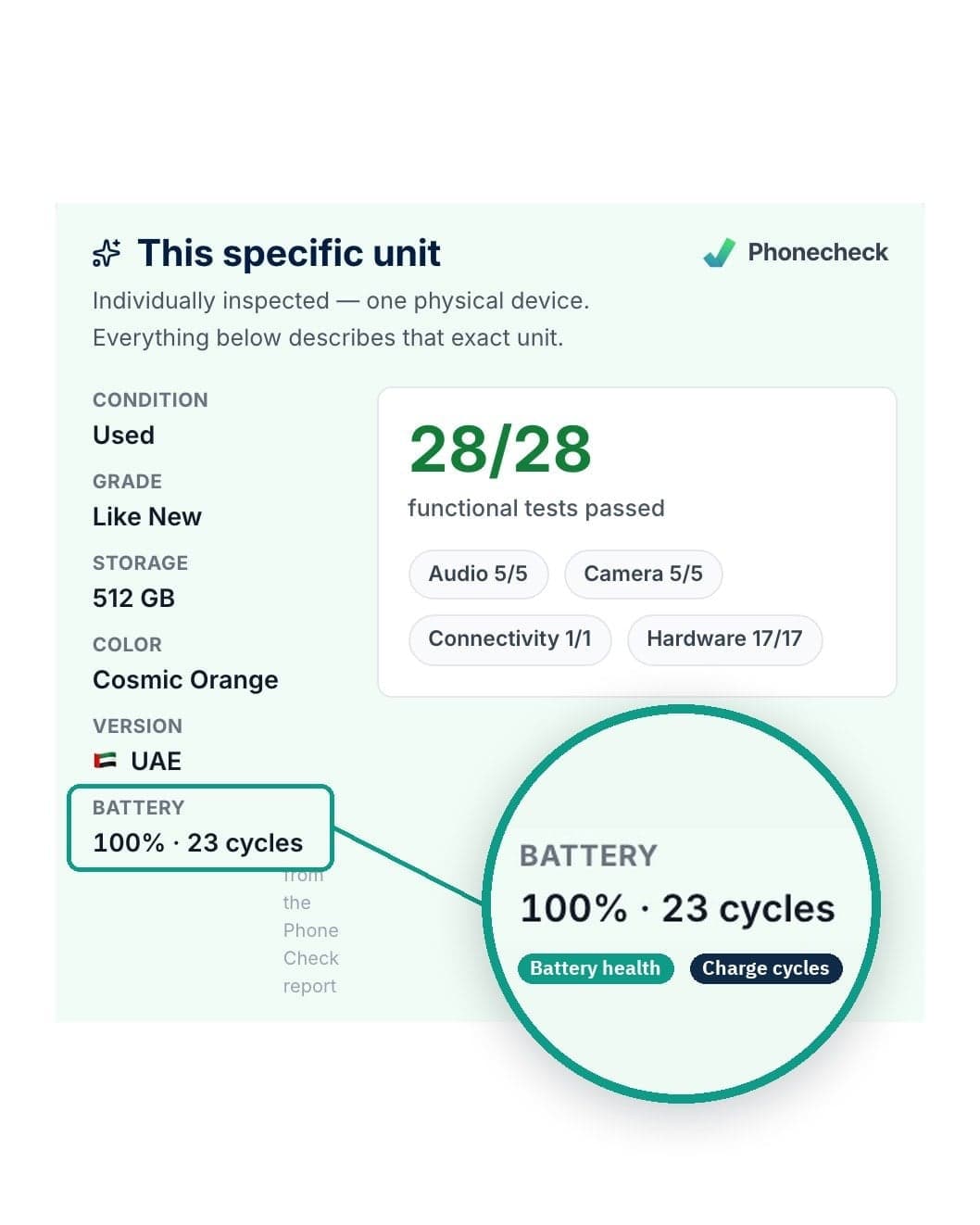
Open any phone on 2use.com and look at the "This specific unit" panel. It shows the grade, the battery health, the charge cycles and how many Phonecheck tests that phone passed. All of it describes that one phone.
Find it on every phone page.
Open any phone on 2use.com and look at the "This specific unit" panel. It shows the grade, the battery health, the charge cycles and how many Phonecheck tests that phone passed. All of it describes that one phone.
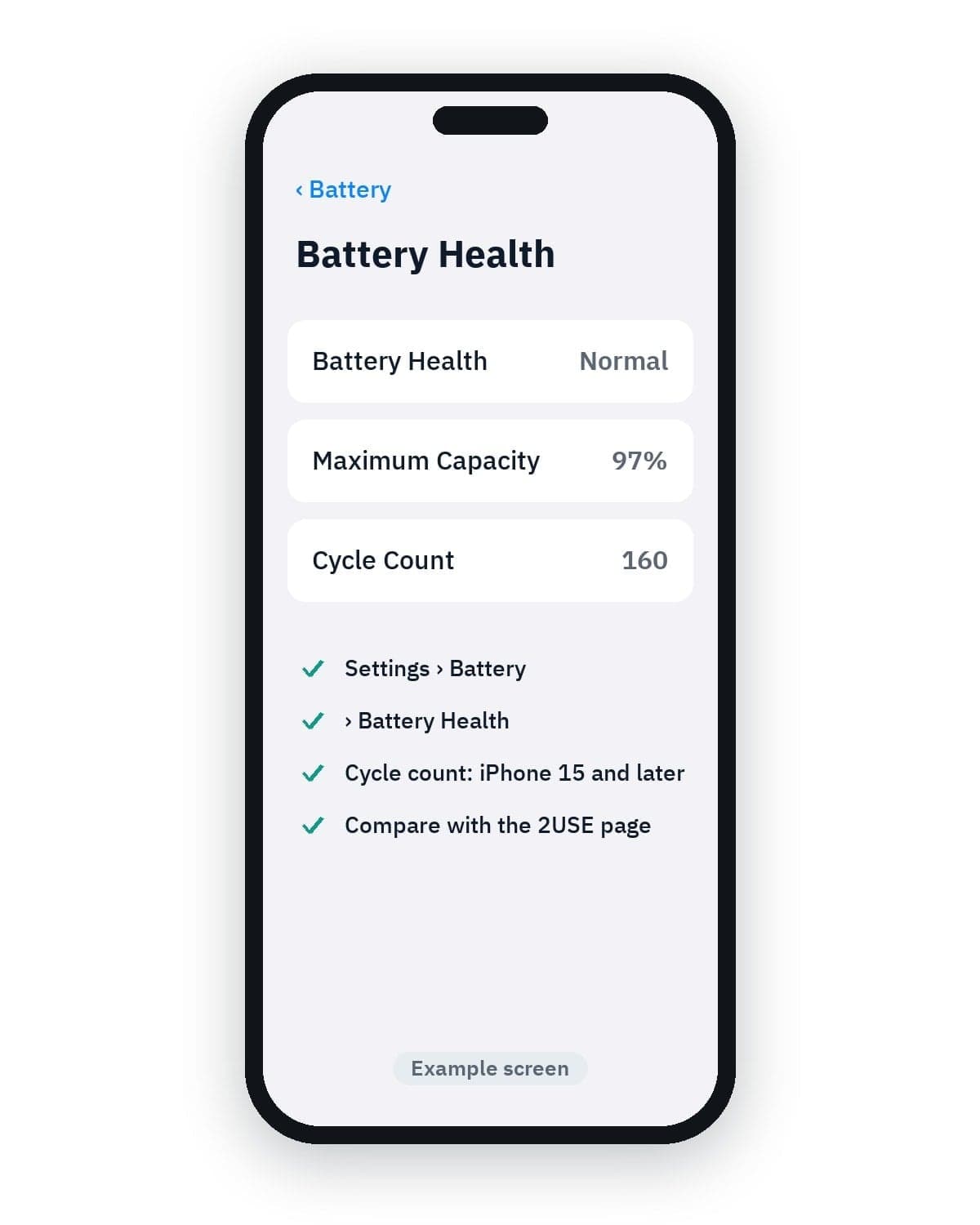
On iPhone, go to Settings › Battery › Battery Health. iPhone 15 and later also show the cycle count there. The numbers should be close to the ones on the 2USE page. If anything looks wrong, you can return the phone free within 14 days of delivery.
Check it yourself after delivery.
On iPhone, go to Settings › Battery › Battery Health. iPhone 15 and later also show the cycle count there. The numbers should be close to the ones on the 2USE page. If anything looks wrong, you can return the phone free within 14 days of delivery.

Your battery is coveredfor 12 months.

The battery is covered by the 2USE warranty for the full 12 months from your order date, like every other part. We collect the device free and resolve claims within 7 working days of receiving it.

Questions about battery health

Related